You're just getting started, and right now your client list lives in your head, a notebook, your inbox, and maybe a spreadsheet you started with good intentions. It works, mostly. Then a lead slips through because you forgot to follow up. A client asks where their proposal is and you're not sure you ever sent it. You start to wonder if you need one of those CRM systems everyone talks about, or if that's overkill for a business your size.
Here's the honest answer. You need a CRM the moment keeping track of your clients and leads starts costing you time, money, or follow-ups. For some brand-new businesses that's day one. For others a simple spreadsheet is genuinely fine for a while. A CRM, which stands for customer relationship management, is a single place to track every lead, client, and conversation so nothing falls through the cracks. The question is not really about your size. It's about whether things are already slipping.
What does a CRM actually do for a small business?
A CRM keeps everything about your clients in one organized place: who they are, where each one is in your process, what you last talked about, and what needs to happen next. The good ones go further and do the work for you. A lead fills out your form and gets an instant response. A proposal goes out on time. A reminder nudges you before a follow-up is overdue. For a small business, a CRM is less about fancy sales dashboards and more about making sure no client or lead ever gets forgotten.
How do I know when it's time?
You're ready for a CRM when you recognize a few of these:
Leads are slipping because you forgot to follow up or ran out of time.
You can't quickly answer where a given client is in your process.
You're copying and pasting the same emails over and over.
Client info is scattered across your inbox, phone, notebook, and memory.
You've lost or nearly lost work because something fell through the cracks.
You're spending real time on admin that a system could handle.
One or two of those on a quiet week is normal. Several of them, regularly, means your current setup is already costing you.
Why does following up fast matter so much?
Because speed is often what wins the client. Businesses that follow up with a lead within an hour are nearly seven times more likely to qualify that lead, according to a Harvard Business Review study. When you're doing everything by hand, that fast follow-up is the first thing to slip. A CRM closes that gap by responding the moment a lead comes in, even when you're with another client or away from your desk.
Isn't a spreadsheet fine when I'm just starting?
Sometimes, yes. If you have a handful of clients and a simple process, a well-kept spreadsheet can carry you for a while, and there's no shame in starting there. The trouble starts when you grow. A spreadsheet doesn't remind you to follow up, doesn't respond to a new lead, and doesn't catch the thing you forgot. It tracks, but it doesn't do. The moment you find yourself wishing it would act on its own, you've outgrown it.
What should I look for in a first CRM?
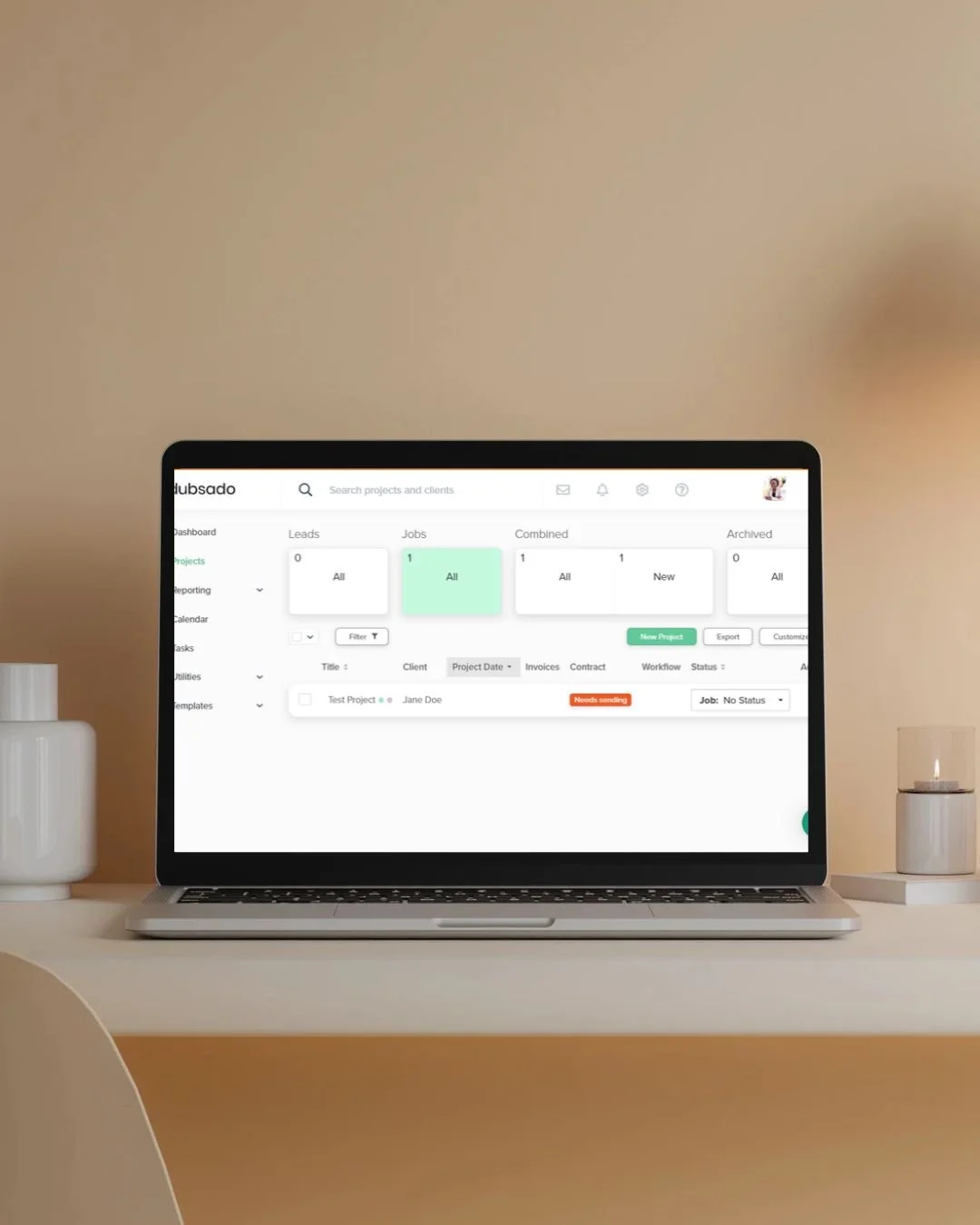
Keep it simple. Look for something that organizes your clients clearly, automates your onboarding and follow-ups, sends proposals and invoices, and doesn't need a tech degree to run. You don't need the biggest platform with every feature. You need the one you'll actually use. The CRM I set up for most small service businesses is Dubsado, because it handles onboarding, contracts, invoicing, and reminders in one place and runs them for you. If you want to try it, this link takes 20% off your first month or year, and getting it set up to run the way your business works is something I do for clients all the time.
Not sure whether your current setup is holding you back or holding up fine? The free Business Systems Audit is a five-question quiz that tells you whether you're running as a Chaos Collector or a Systems Architect, with a customized checklist to match.
FAQ
What does CRM stand for?
Customer relationship management. In plain terms, it's a single system that keeps track of your clients, your leads, and every conversation and next step, so nothing gets lost.
How much does a CRM cost for a small business?
It ranges widely, from free tiers to monthly subscriptions. For most small service businesses, a mid-range tool runs a modest monthly fee, and the time it saves usually pays for itself quickly. Start with what fits your actual process, not the longest feature list.
Can I switch to a CRM later instead of now?
You can, and plenty of businesses do. Just know that the longer you wait, the more client history you'll be moving over. Starting earlier means less to untangle later.
Do I need someone to set it up for me?
Not necessarily, but a good setup is the difference between a CRM that runs your business and one you pay for and never use. If the setup is what's stopping you, that's the part worth handing off.

If you're starting to feel the cracks, a CRM might be exactly what you need, and picking and setting up the right one is something I genuinely enjoy doing for new business owners. If you'd like help figuring out whether it's time and what would fit, let's talk.